Your Essential
3D Model Viewer
in Virtual Reality
Visualize GLB, FBX, OBJ, and STL assets in standalone VR & Mixed Reality. No cables required. No cloud dependencies.
Core Capabilities
Built for professionals and enthusiasts alike. Everything you need for efficient 3D inspection.
High-Fidelity
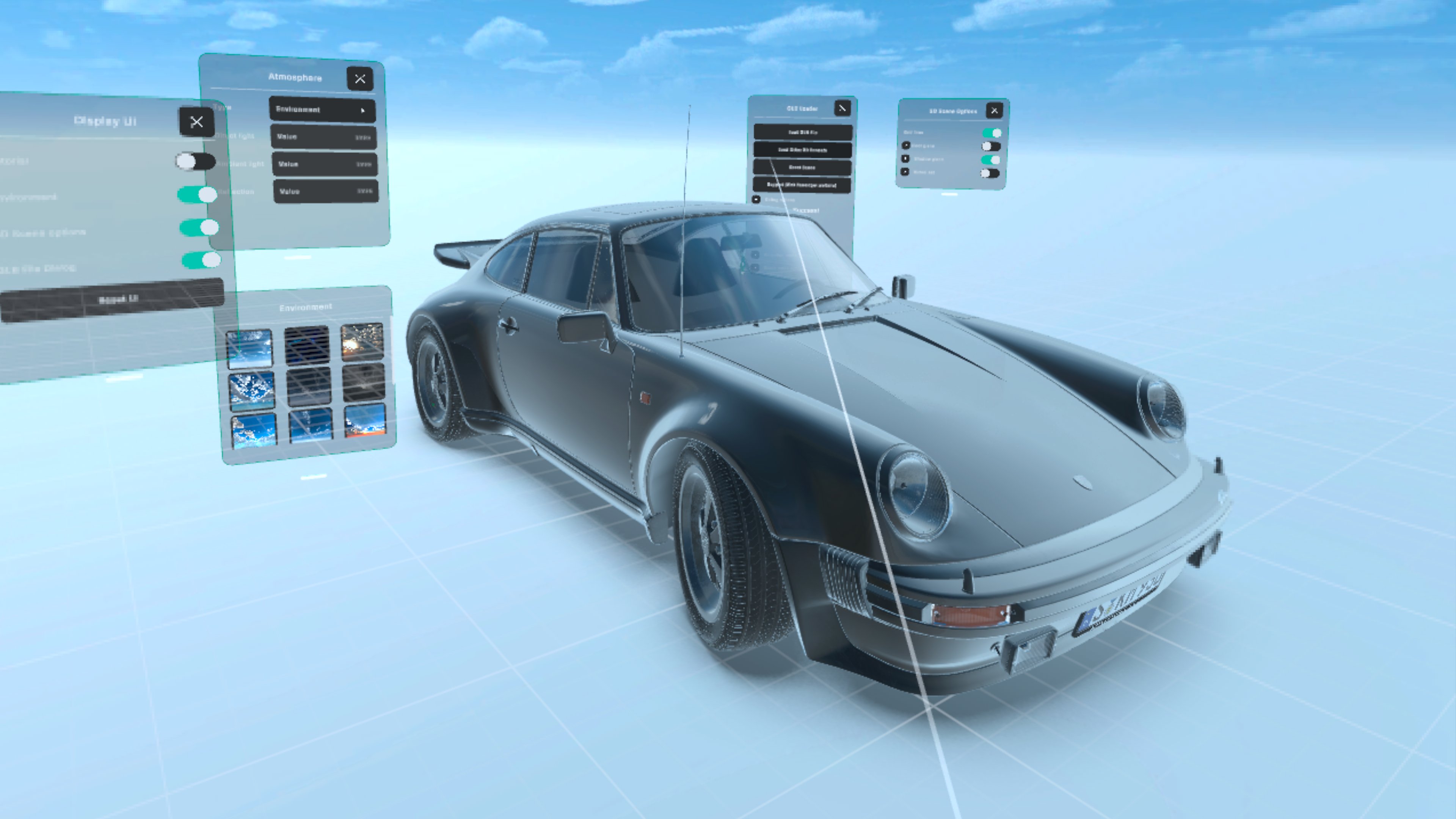
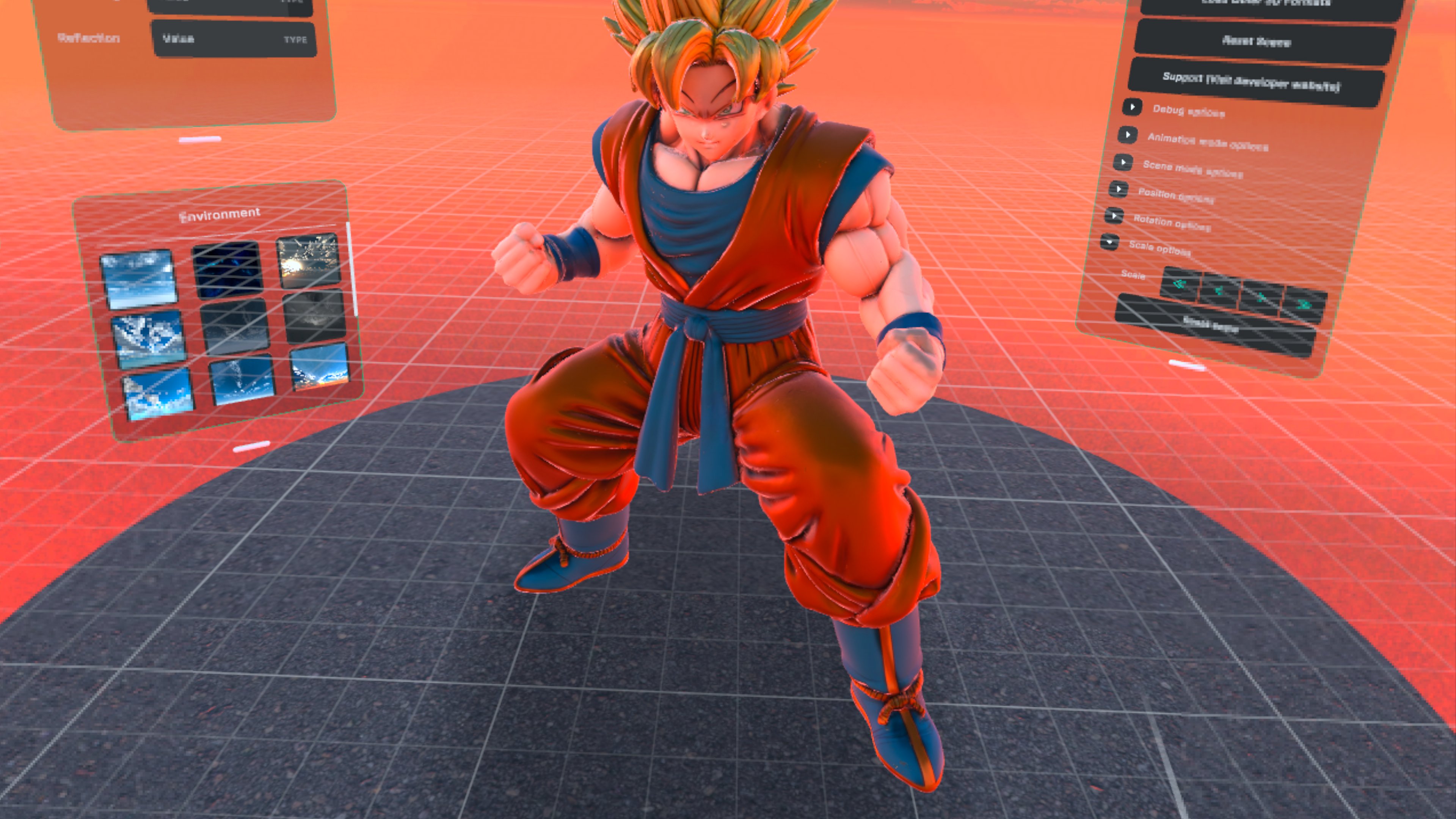
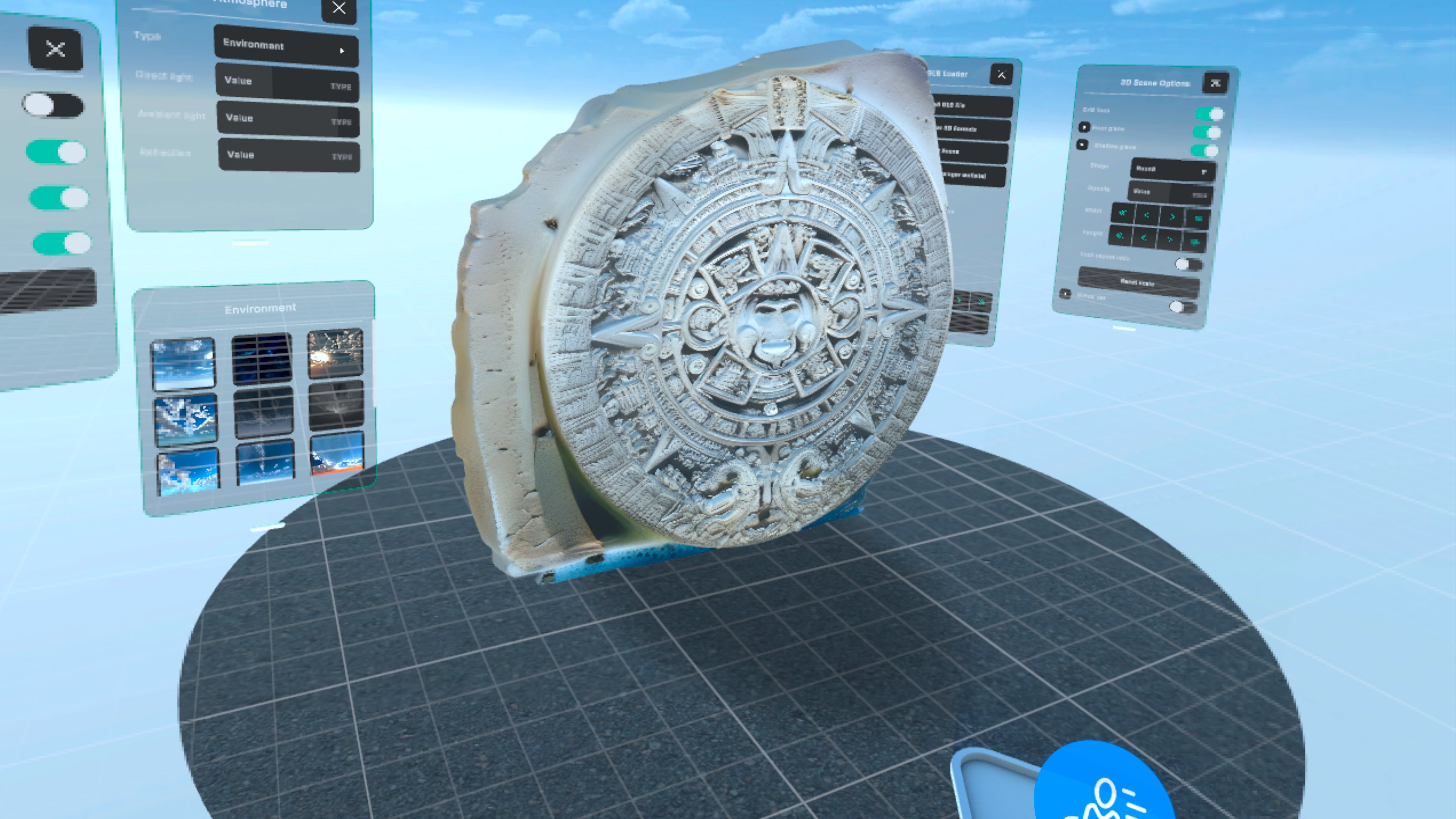
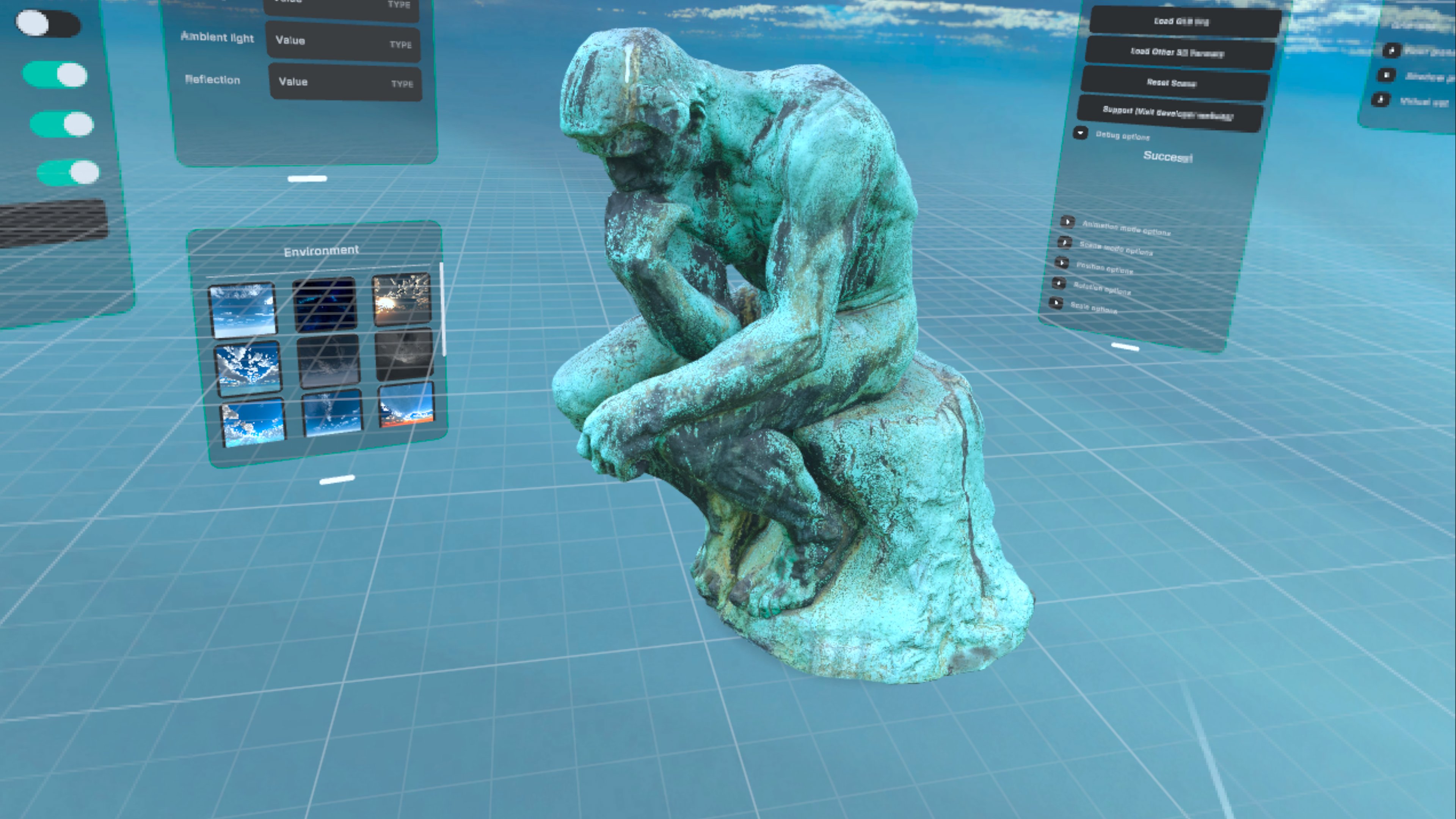
Support for albedo, metalness, roughness, and lightmaps for ultra-realistic rendering directly on your standalone headset.
Animation & Morphs
Experience full control over complex skeletal animations and detailed Morph Targets (Blend Shapes).
Mixed Reality
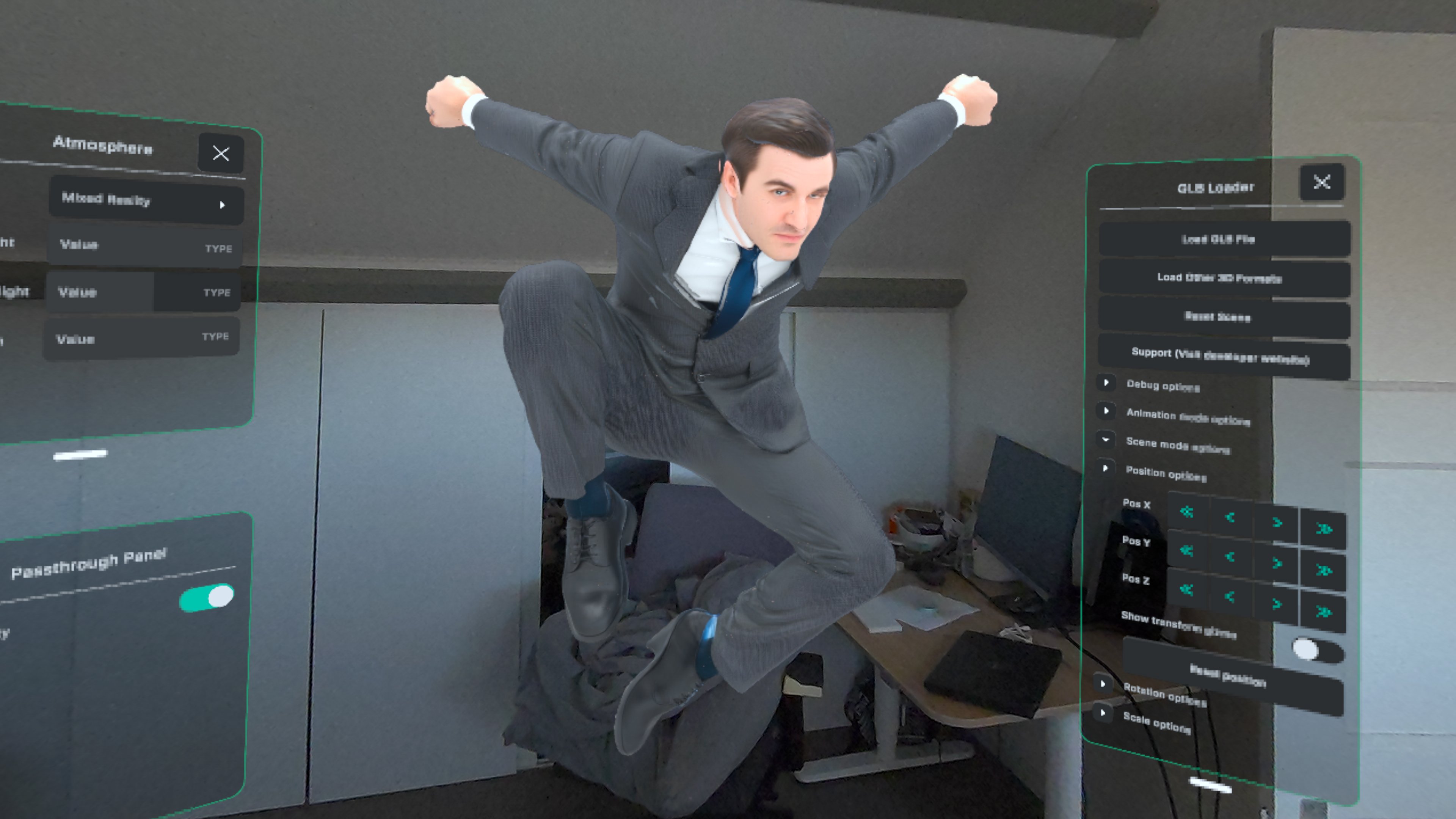
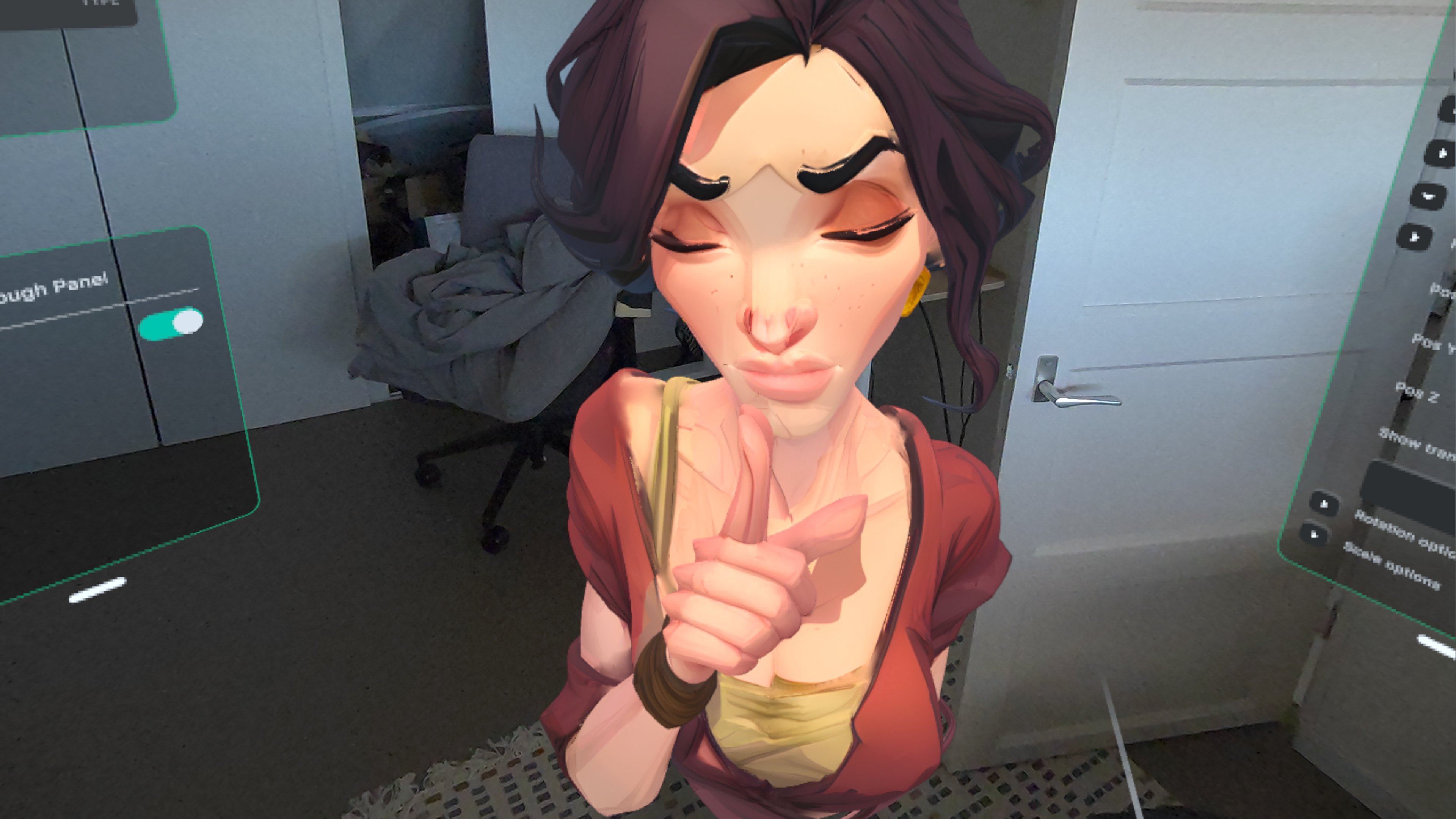
Toggle Passthrough dynamically to place your 3D objects directly in your living room or office space.
Multi-Format Support
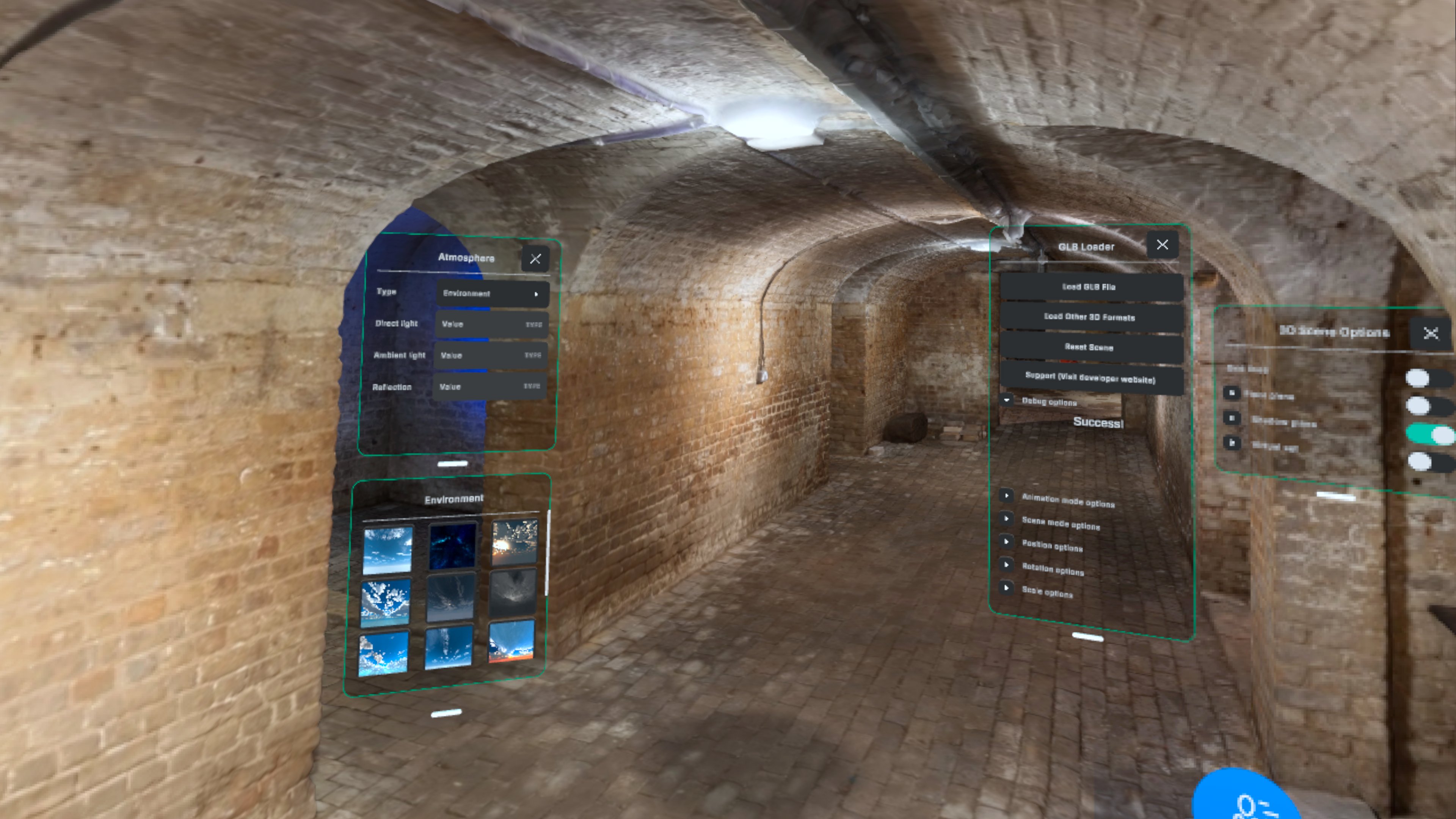
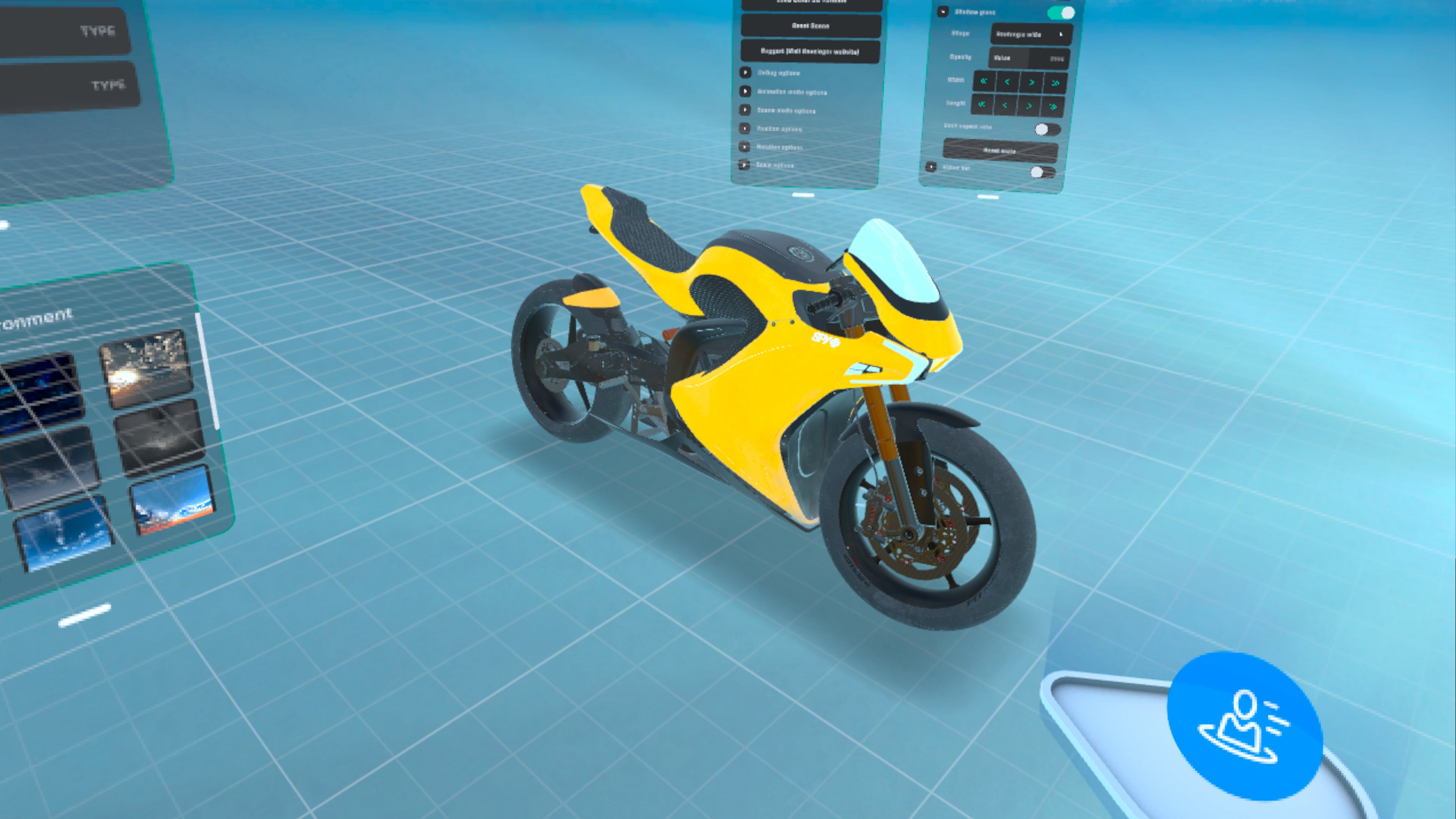
Fully supporting FBX (Rigged), OBJ (Static), and STL (3D Printing) alongside the standard GLB format.
See Glimpse in Action
Watch how Glimpse streamlines your 3D workflow and enables mixed reality visualization.
Finally! The Easiest Way to View 3D Models on Meta Quest
Watch on YouTube ↗Glimpse GLB Tutorial
Watch on YouTube ↗Mixed reality with custom 3D models on Meta Quest 3
Watch on YouTube ↗Different lighting methods in Glimpse GLB
Watch on YouTube ↗Moving, rotating and scaling objects in Glimpse GLB
Watch on YouTube ↗Viewing animated and rigged characters on the Meta Quest 3
Watch on YouTube ↗Glimpse GLB navigation in Meta Quest 3
Watch on YouTube ↗Animated objects from Blender to the Meta Quest
Watch on YouTube ↗Visual Showcase
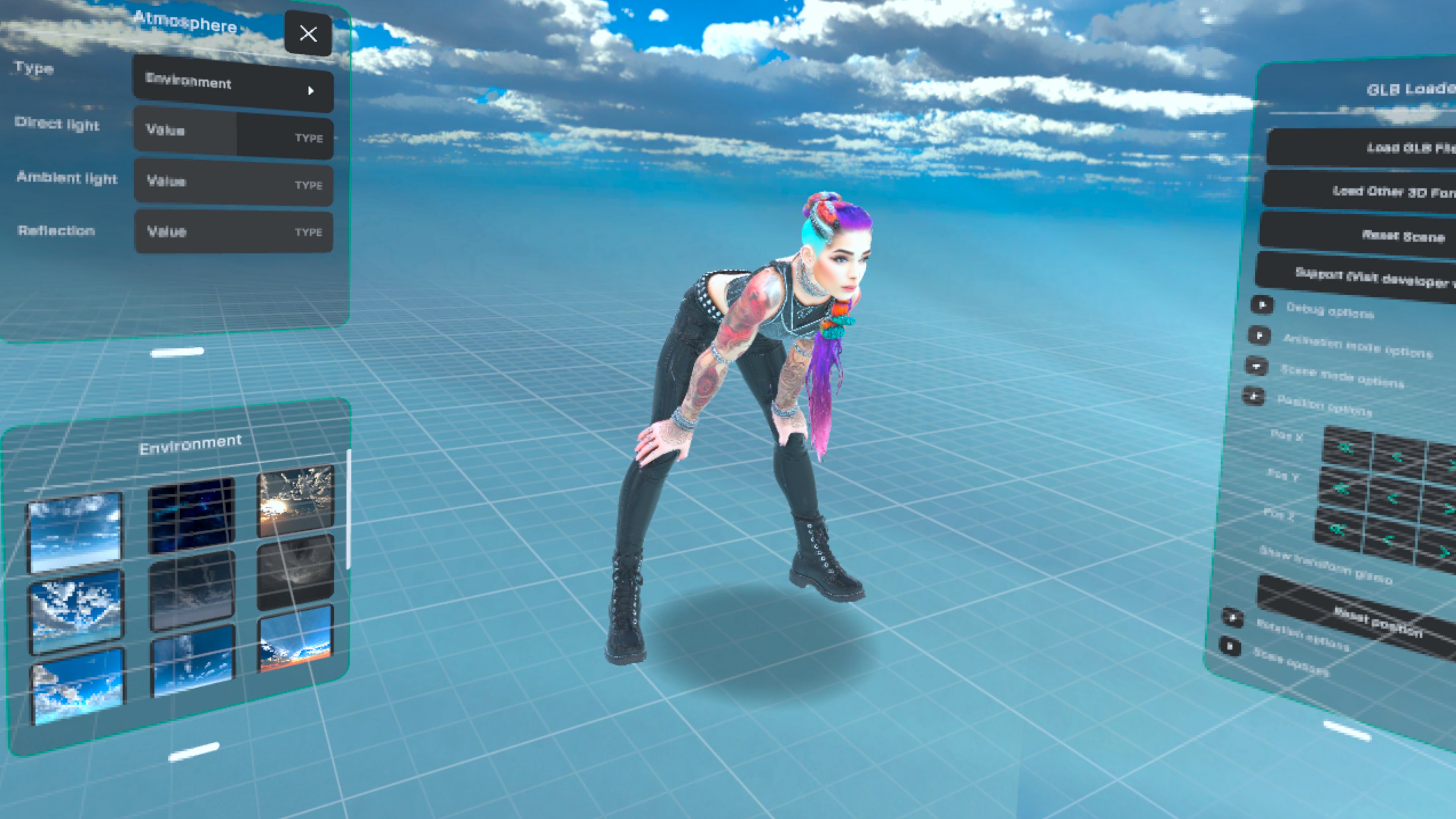
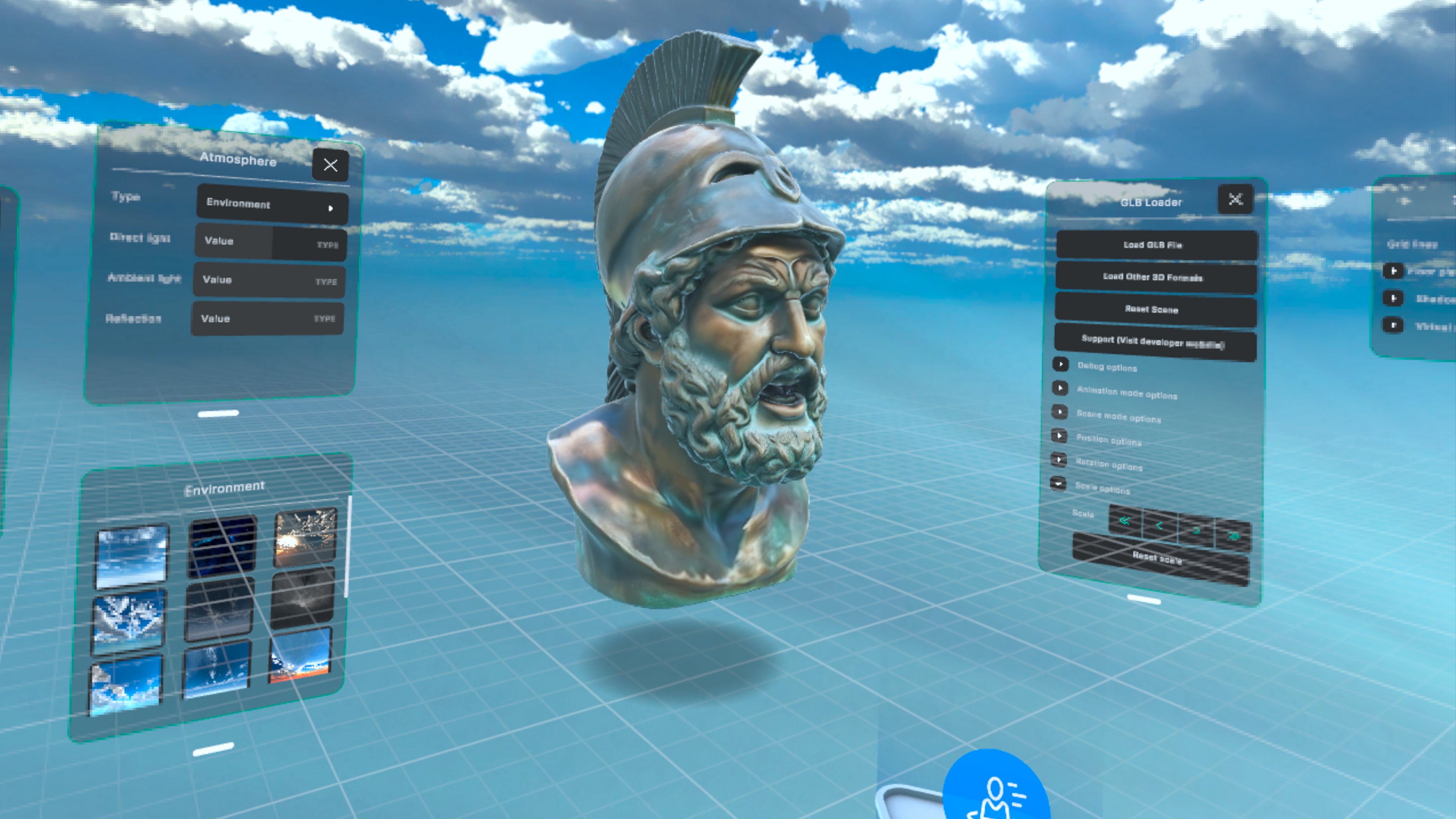
Experience Glimpse 3D through real in-app screenshots captured directly on Meta Quest.
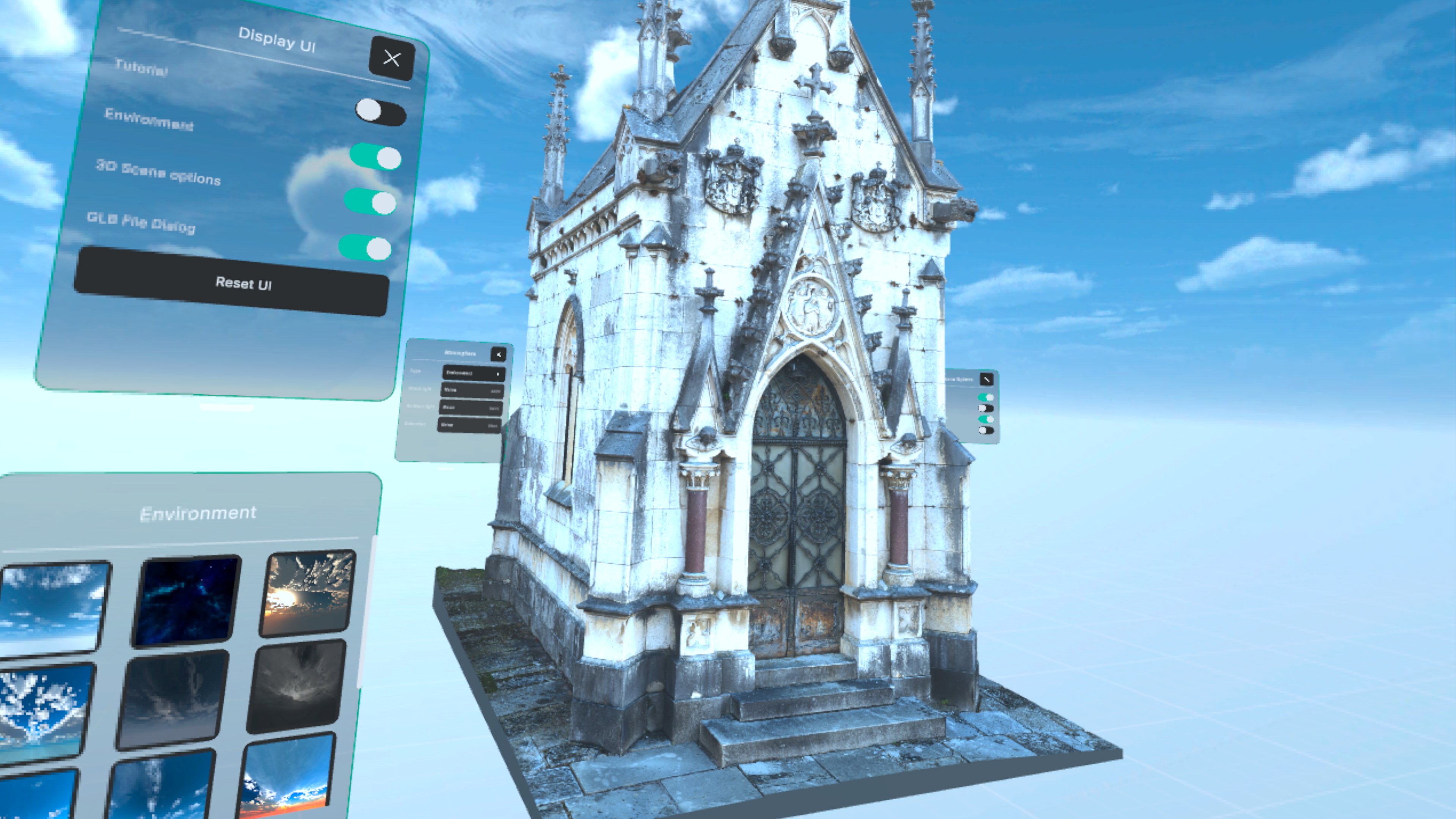
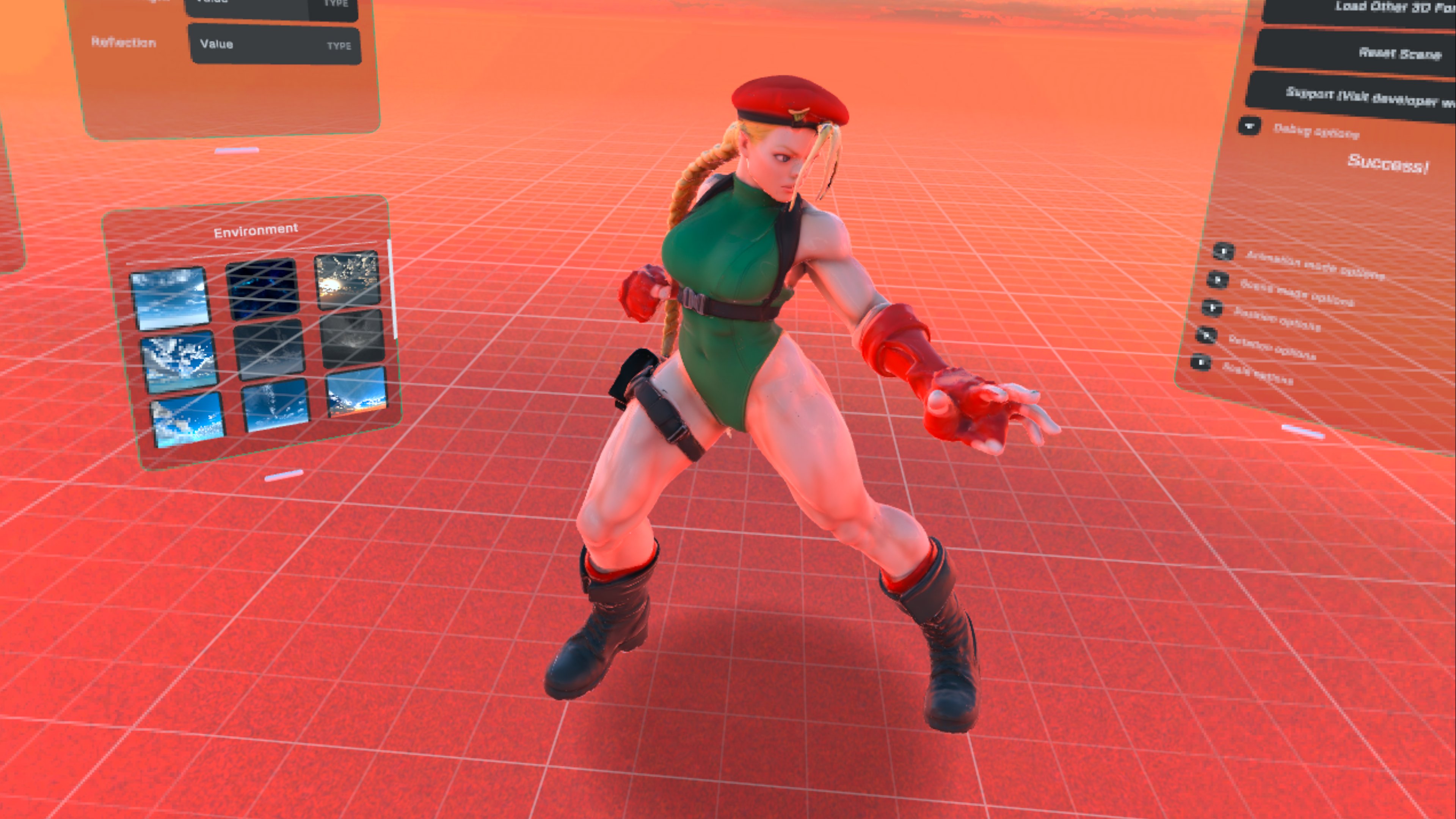
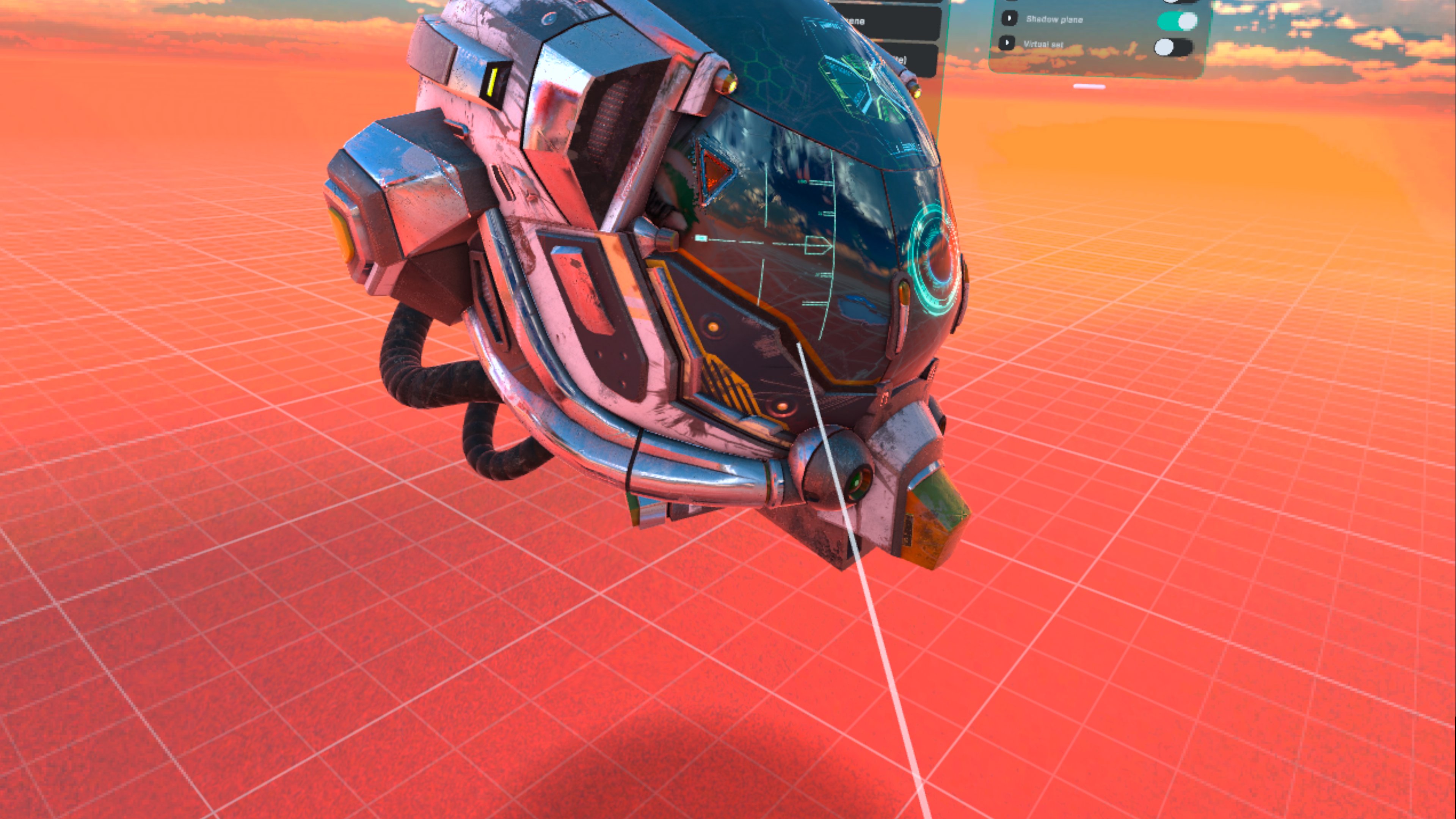
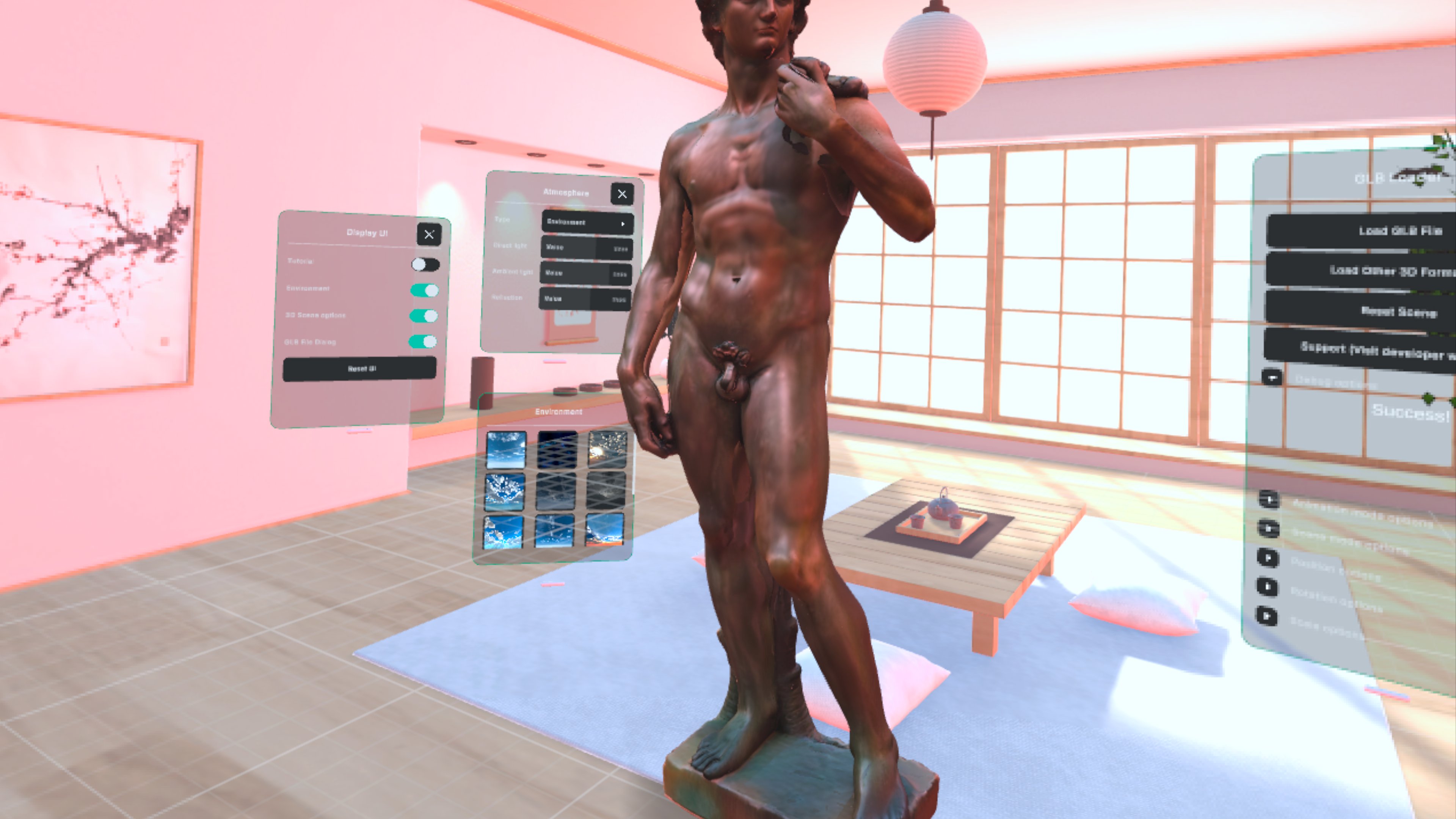
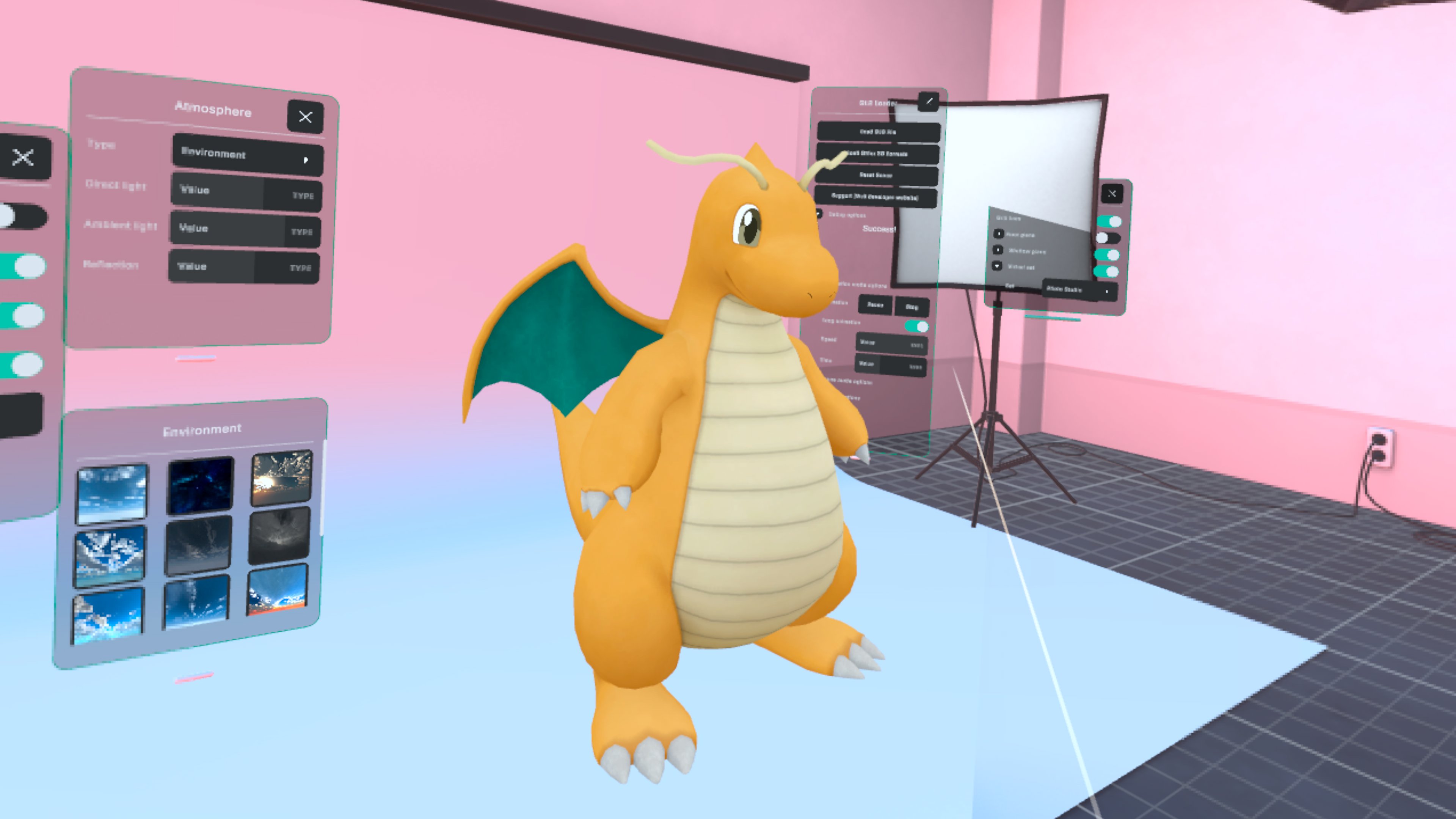
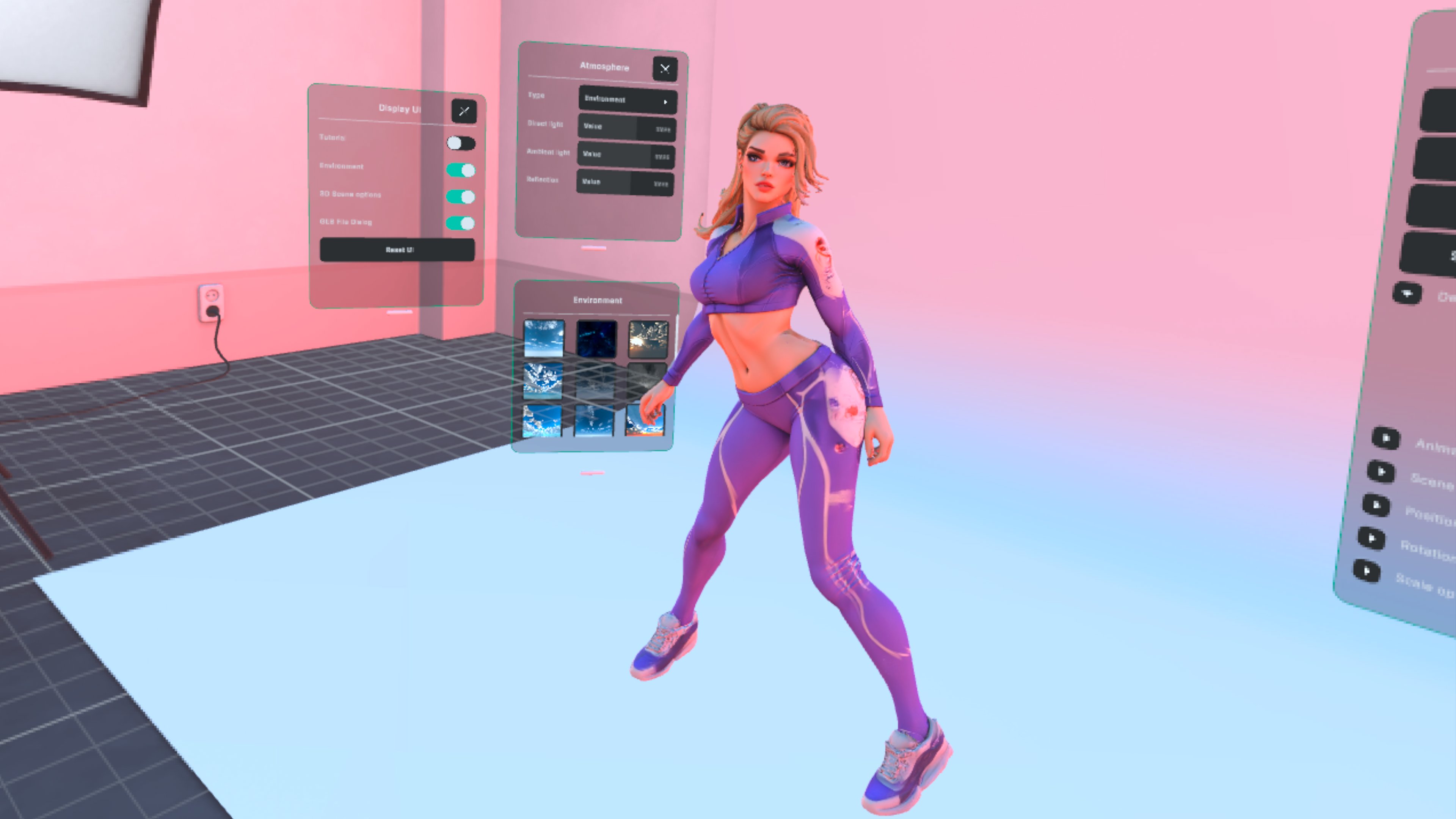
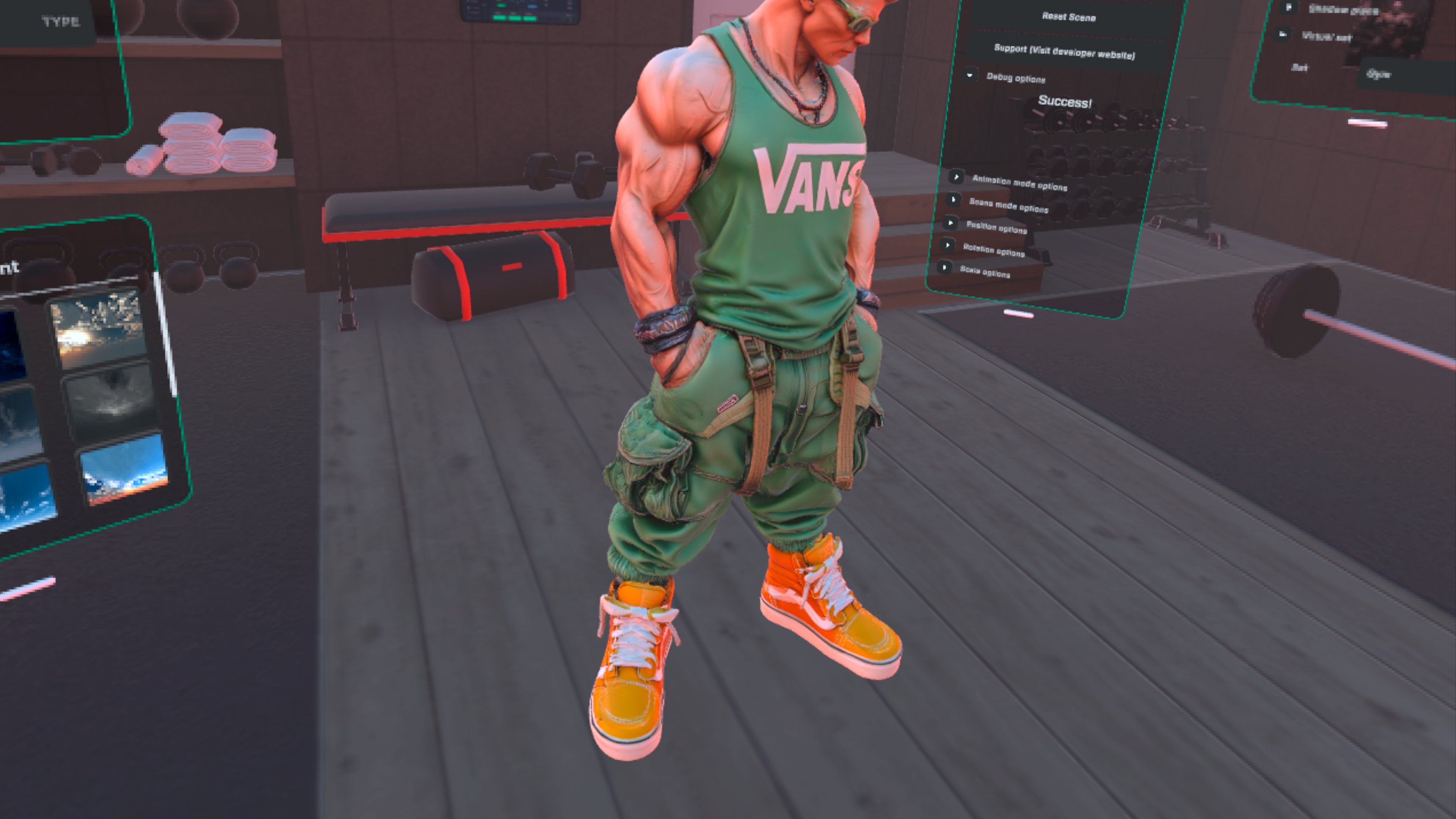
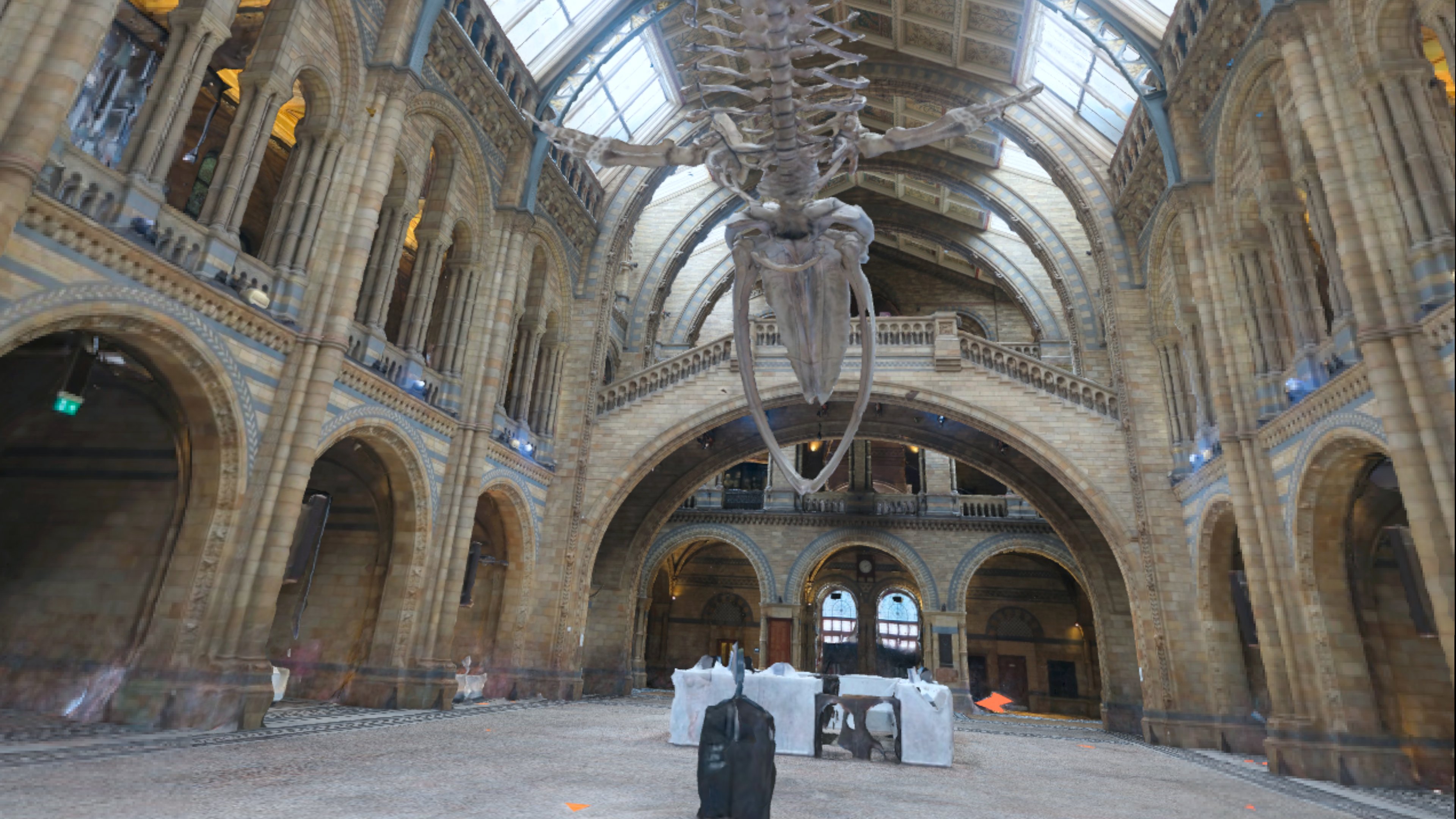
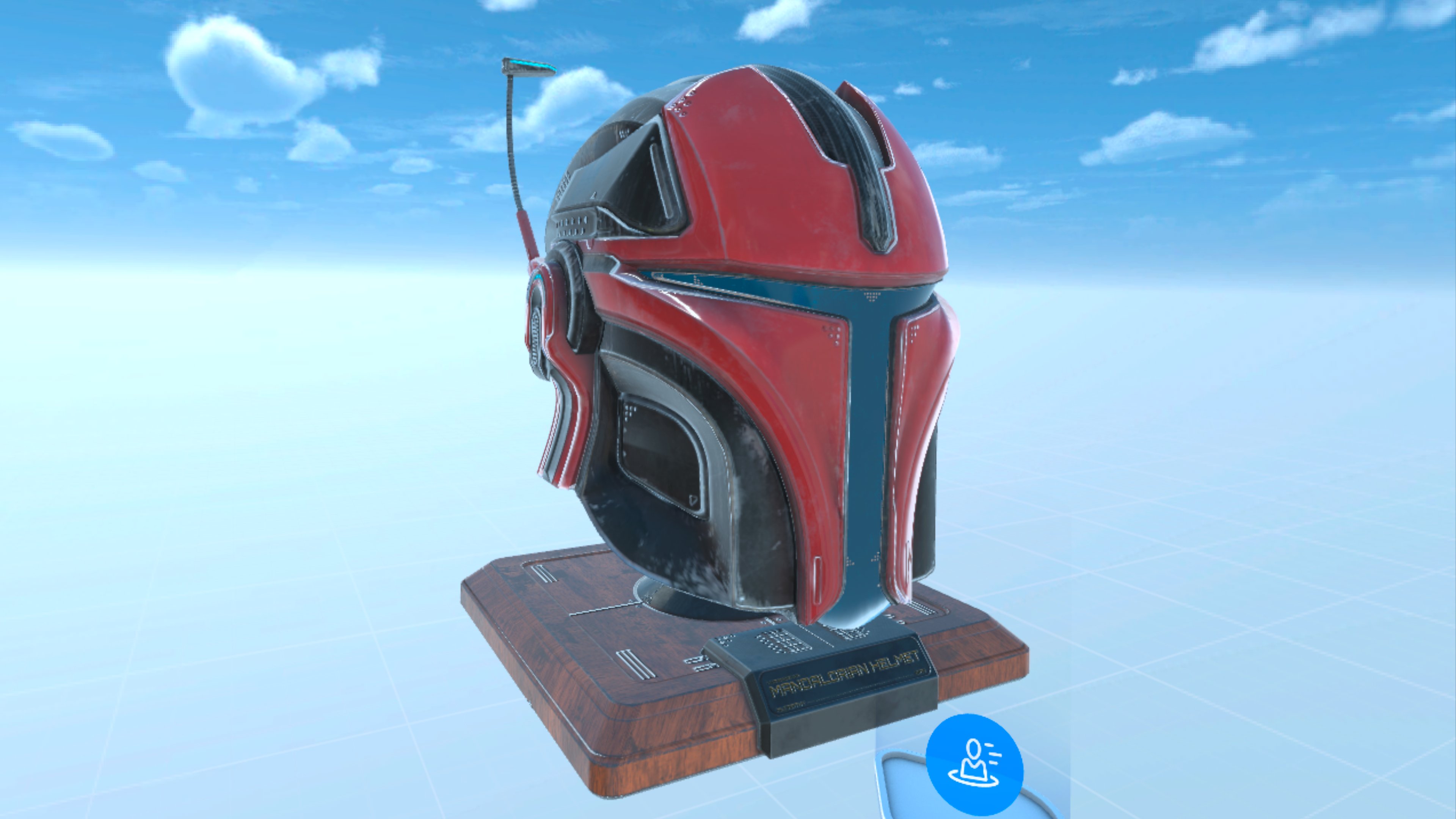
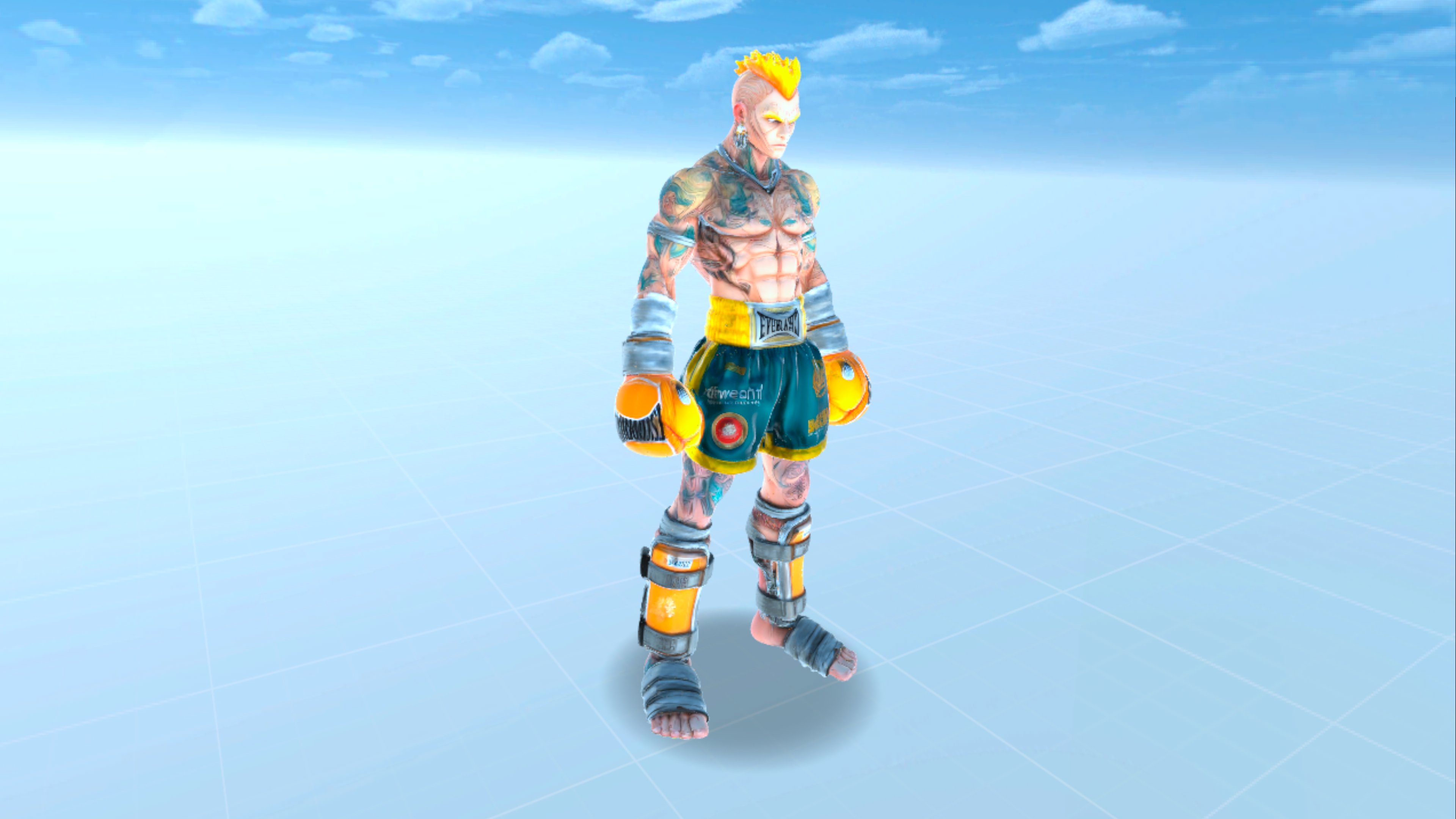
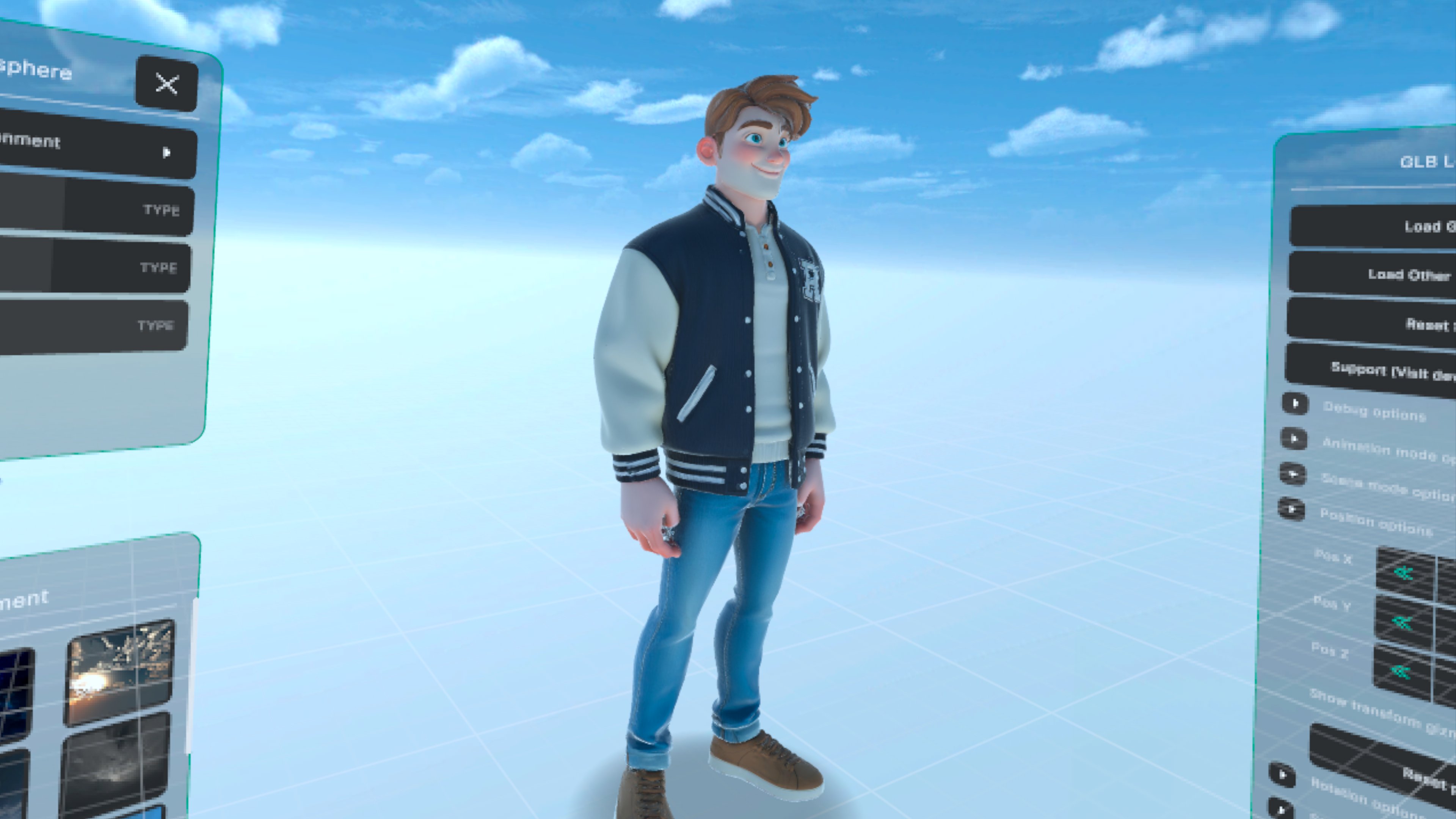
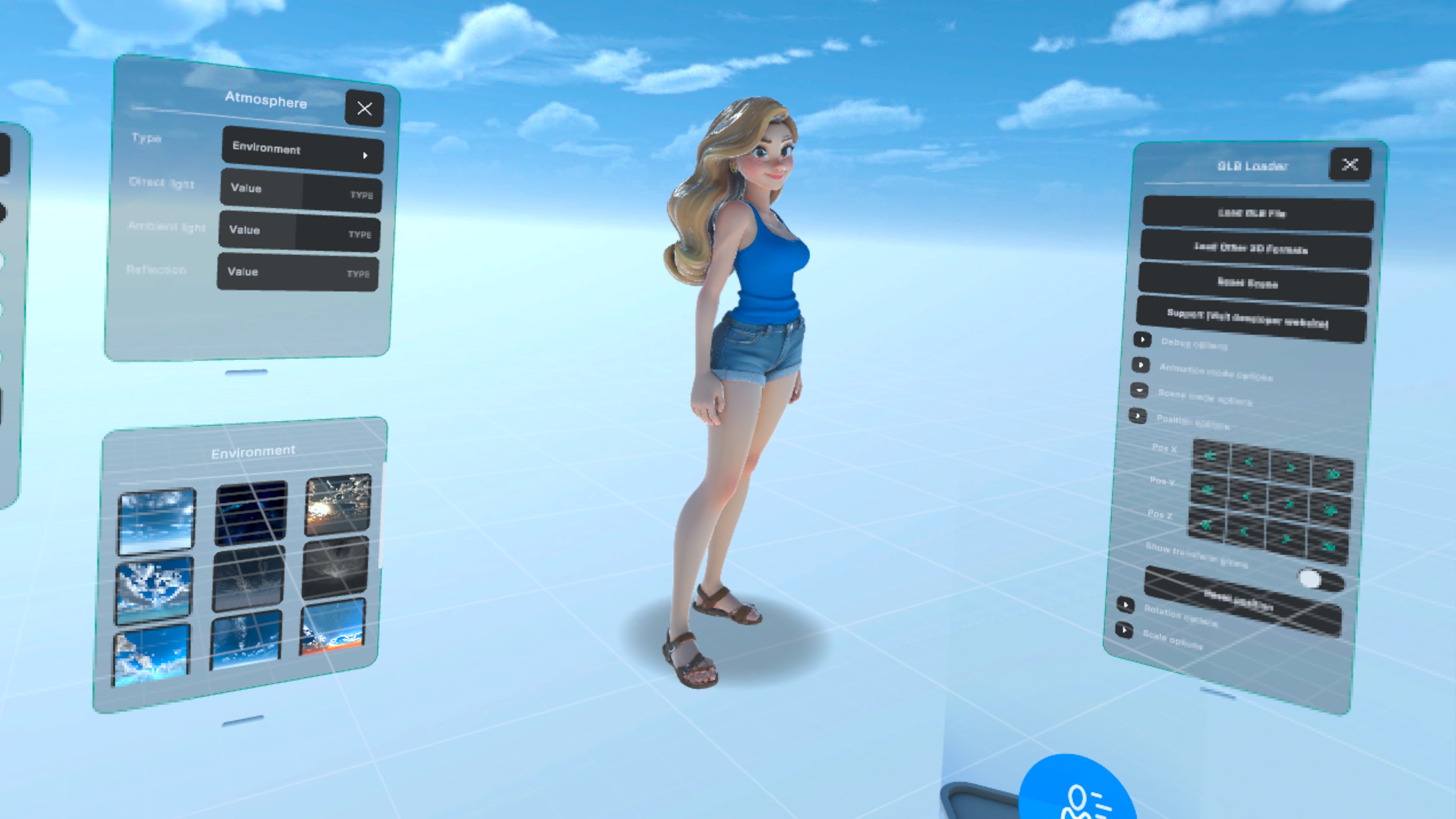
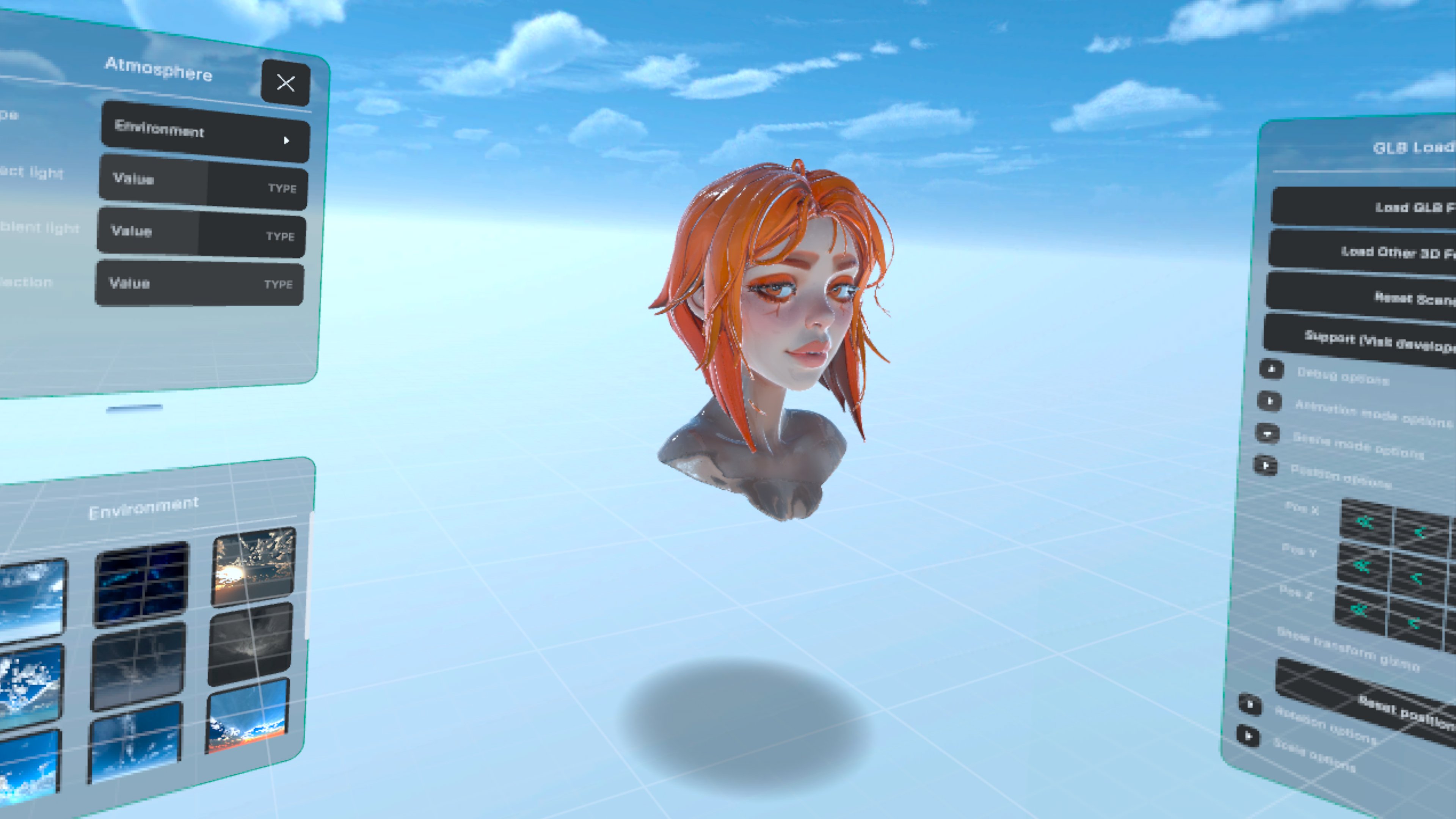
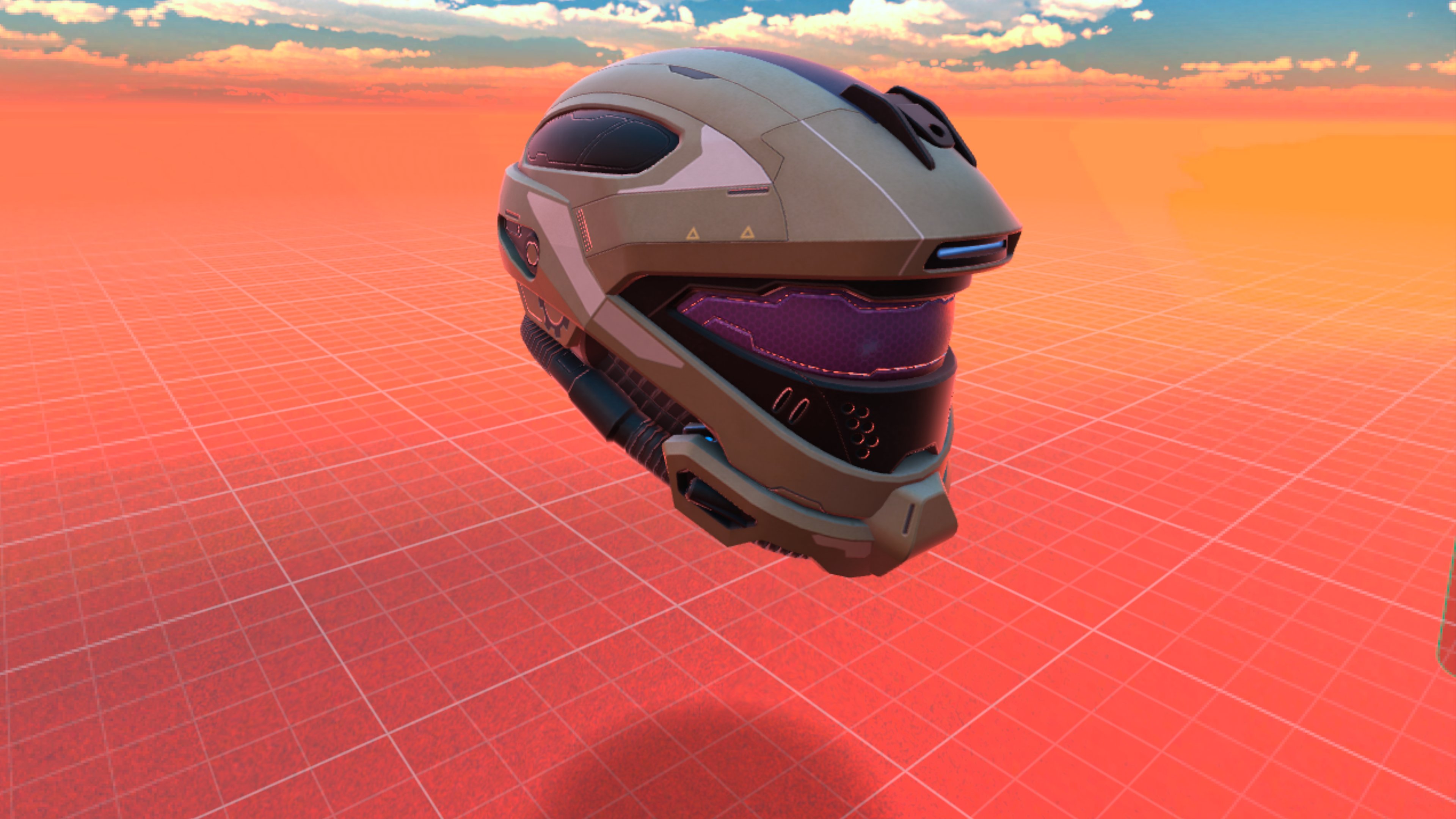
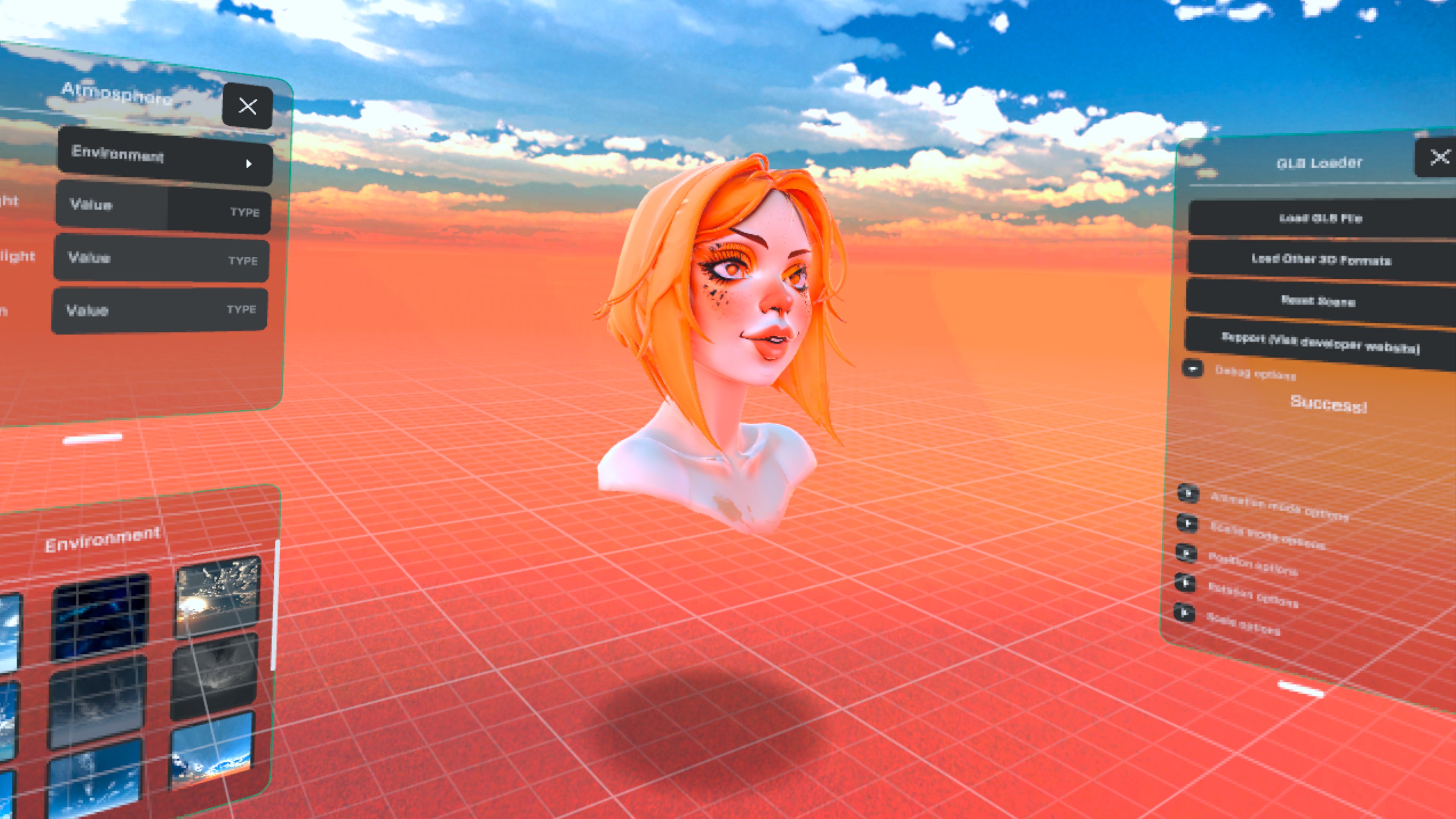
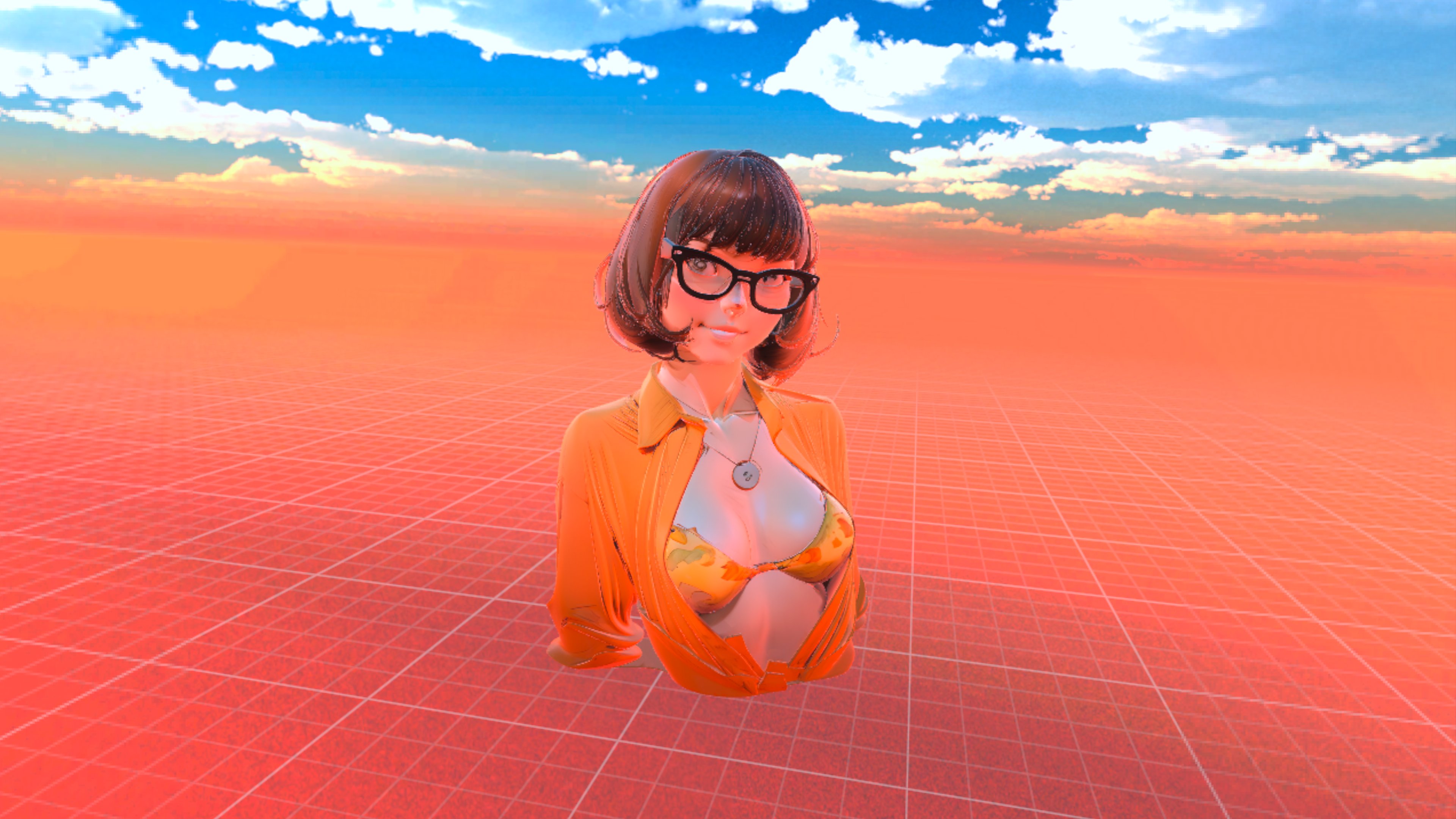
Help shape the app
Glimpse is built with passion in my spare time through invaluable user feedback. If this tool improved your workflow, consider supporting the project to fuel the next update.
Support the Creator
If Glimpse has been useful to you, a coffee goes a long way in supporting late-night coding sessions.